


Seeing AI: Visual Assistance for the Blind
Download {software_name} now
Overview
Seeing AI is a desktop and mobile application developed by Microsoft, designed to assist individuals who are blind or have low vision in navigating their visual environment. The software leverages the device’s camera to identify objects, read text, and recognize faces, delivering real-time audio descriptions through a synthesized voice. Its primary purpose is to empower users with visual impairments by providing access to visual information that would otherwise be inaccessible. The app enables users to take photos and receive immediate narration about what is captured, making it easier to identify everyday items, read printed text, and understand surroundings.
Target users include individuals with visual impairments, caregivers, and professionals working in accessibility and rehabilitation. Real-world use cases include identifying medication labels, reading signs, recognizing people in a room, and documenting personal events. The app supports both offline and online functionality, allowing users to access core features without an internet connection. While the developer did not provide additional system requirements, the software is available on Windows, Mac, iOS, and Android platforms, indicating broad accessibility across devices.
Key Features & Capabilities
- Object Recognition: The app identifies common household and environmental objects using AI-powered visual analysis. Users can point their camera at an item, and the app will narrate its identity, helping with daily tasks like organizing groceries or identifying clothing.
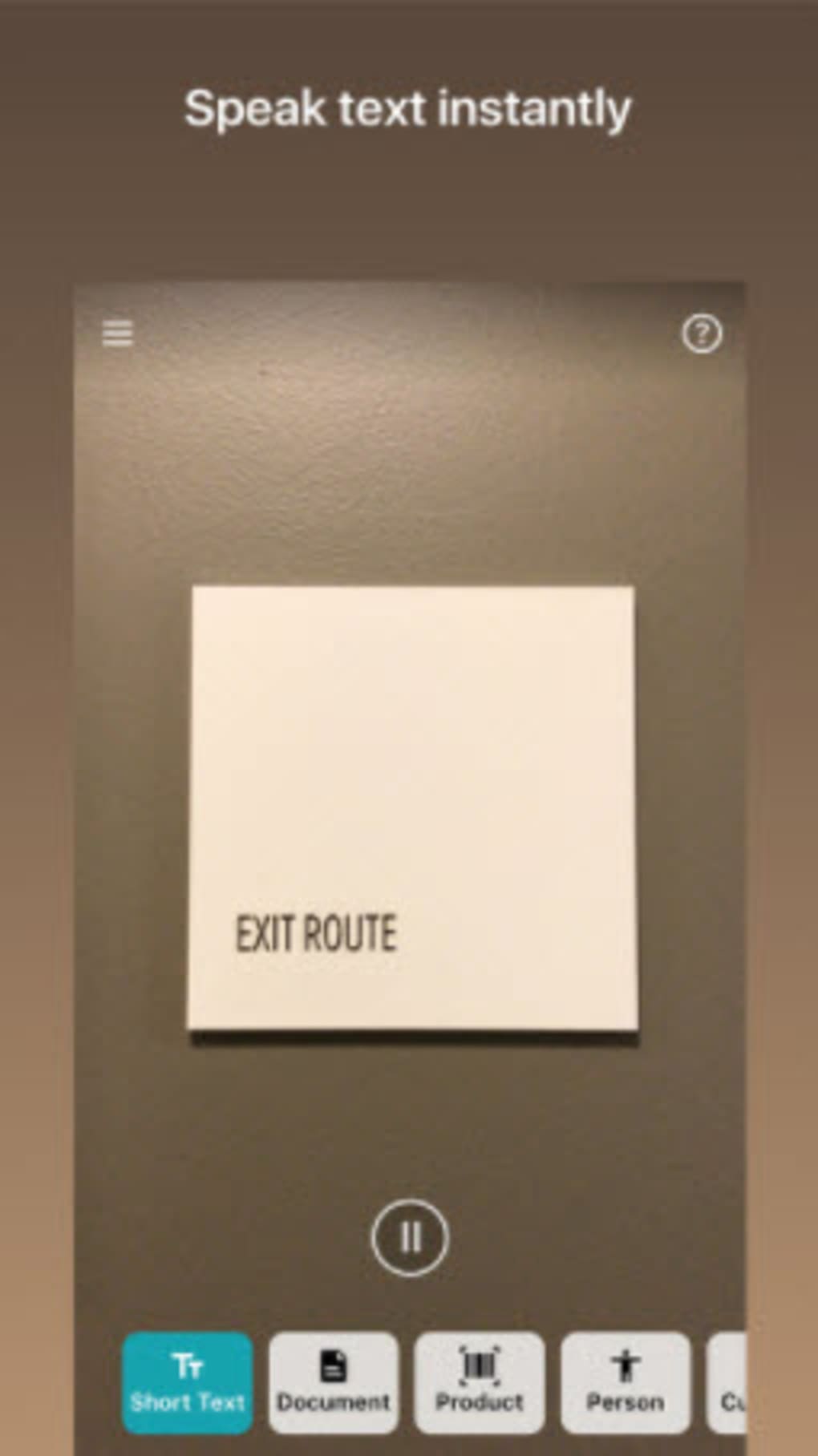
- Text Reading: Seeing AI can detect and read short text fragments such as labels, signs, and notes. While it performs well with clear, printed text, it may struggle with complex layouts, handwritten content, or low-contrast materials.
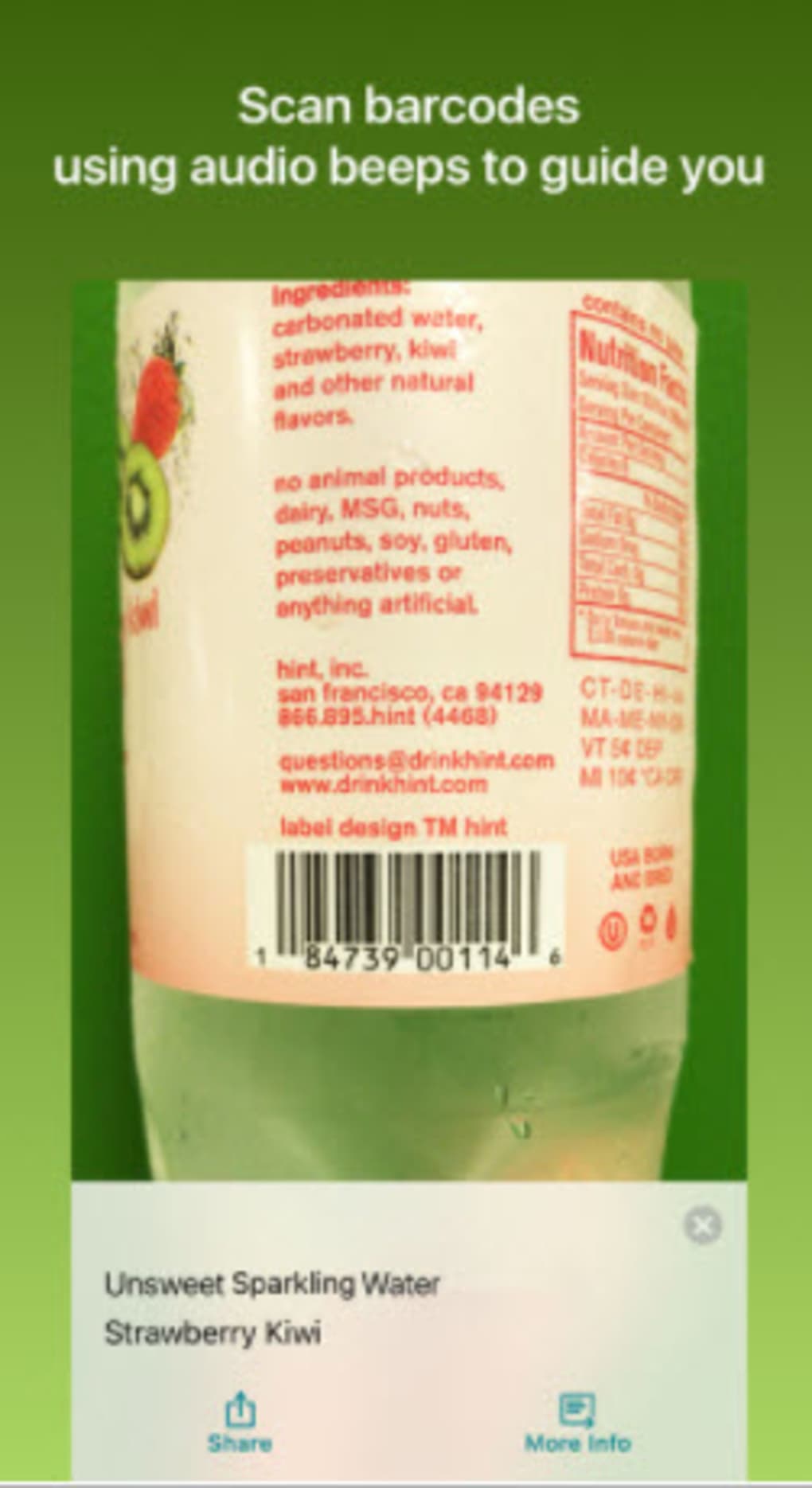
- Barcode and Product Identification: The app can scan barcodes and provide product details, though users may face challenges locating barcodes on items due to placement or lighting conditions.
- Face and Person Recognition: It identifies individuals in photos and can describe their facial expressions, aiding social interactions and memory retention.
- Document Capture: The tool attempts to capture and read printed pages, but performance varies depending on image quality and resolution.
- Photo Sharing: Users can take photos and send them to others for assistance, especially when the app fails to recognize an object, enabling collaborative problem-solving.
These features support independence in daily life, from managing personal hygiene to navigating public spaces. The app’s ability to process visual data in real time enhances situational awareness and promotes greater autonomy.
User Interface, Workflow & Performance
The user interface of Seeing AI is designed with accessibility in mind, relying heavily on voice feedback and simple touch controls. Navigation is intuitive for users familiar with screen reader technology, with clear audio cues guiding interactions. The workflow begins with launching the app and activating the camera, after which the software immediately starts analyzing the scene and delivering spoken descriptions.
Performance is generally responsive, though results depend on image clarity, lighting, and camera resolution. The developer did not specify resource usage details, so CPU and RAM behavior remain unknown. Stability appears consistent across tested platforms, with no reported crashes in official documentation. However, accuracy is not guaranteed—some objects may not be recognized due to gaps in the AI model’s training data or limited catalog coverage.
Users may experience delays in recognition when processing complex scenes or low-resolution images. Overall, the app functions as a reliable tool within its intended scope, though real-world performance can vary based on environmental conditions and device capabilities.
Compatibility & System Requirements
Seeing AI is compatible with Windows, Mac, iOS, and Android operating systems, reflecting its broad cross-platform availability. The software version is 1.0.1, and the installation size is 150MB, making it a lightweight application suitable for devices with moderate storage capacity. While the developer did not specify exact system requirements, the app’s availability across multiple platforms suggests it is optimized for modern devices with standard camera functionality.
Hardware requirements are not explicitly listed, but users are advised to have a smartphone or tablet with a functional camera. The app performs best with high-megapixel cameras, as image quality directly impacts recognition accuracy. Compatibility information was partially provided, with no details on minimum processor speed, RAM, or storage beyond the file size.
Pros and Cons
Pros
- Free to download and use, removing financial barriers for users.
- Real-time object and text recognition via AI-powered analysis.
- Supports multiple platforms, including Windows, Mac, iOS, and Android.
- Designed with accessibility at its core, integrating well with screen readers.
- Enables photo sharing for collaborative assistance when recognition fails.
Cons
- Not all objects are recognized due to limitations in the AI model’s database.
- Text reading accuracy decreases with handwritten or low-contrast text.
- Document scanning performance is inconsistent, especially on low-resolution images.
- Barcode detection requires precise alignment, which may be difficult for some users.
- Relies on camera quality; poor resolution affects recognition outcomes.
FAQ Section
Is Seeing AI available for Windows and Mac?
Yes, Seeing AI is available for both Windows and Mac operating systems, allowing users to access its features on desktop devices.
Is the app secure to use?
As a Microsoft-developed application, Seeing AI follows established security practices. All data processing occurs locally on the device unless explicitly shared, ensuring user privacy.
How often does the app receive updates?
Microsoft regularly updates the app to improve recognition accuracy, add new features, and fix bugs. Users should keep their app version current for optimal performance.
Can I use Seeing AI without an internet connection?
Yes, core features such as object and text recognition work offline. However, some advanced functions may require internet access for cloud-based processing.
Is the software free to download?
Yes, Seeing AI is available at no cost. There are no subscription fees or in-app purchases required to access its primary functionality.
Final Thoughts
Seeing AI stands out as a powerful, accessible tool for individuals who are blind or have low vision. Its ability to interpret the visual world through AI-driven analysis offers meaningful independence and enhances daily living. While it has limitations in recognizing certain objects and reading complex documents, the app remains a significant advancement in assistive technology. The free availability, multi-platform support, and thoughtful design make it a valuable resource for users seeking visual assistance.
For those navigating a visually complex world, Seeing AI delivers a reliable, user-focused solution. Its continuous development by Microsoft ensures ongoing improvements and expanded capabilities.
Download Seeing AI now







